





How to theme an ExtJS application in Sencha Architect 4

1 min read24.1.2017
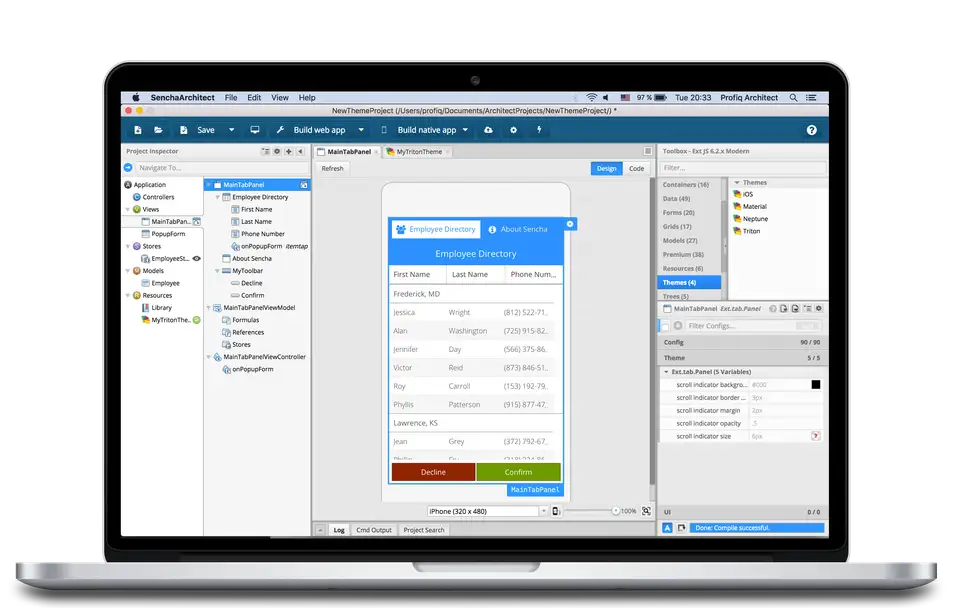
Sencha ExtJS is popular JavaScript framework for building data-intensive, cross-platform web and mobile applications. It comes with unique visual app builder called Sencha Architect that released its latest version 4 in December.
Sencha Architect 4 is fully-fledged IDE for developing ExtJS applications which can help you with all the key features such as theming. The latest version of Sencha Architect made creating of themes really nice and easy.
There are 3 main ways how to theme your ExtJS 6 application.
- Use framework default theme without custom modification
- Use only theme options available inside SA
- Use Sencha Themer for modifying your theme inside SA project
These 3 options can be used for both Classic and Modern application created by Sencha Architect.
I created a brief video to explain, how to use these options.
Versions Sencha Architect 4.1.1 and Sencha Themer 1.1 are used in the video.
If you are interested in more detailed theming description and options inside the Sencha Architect you can continue by reading the SA documentation guides.